lu-peek
Lu Peek — Kids Learn ABC 👁️
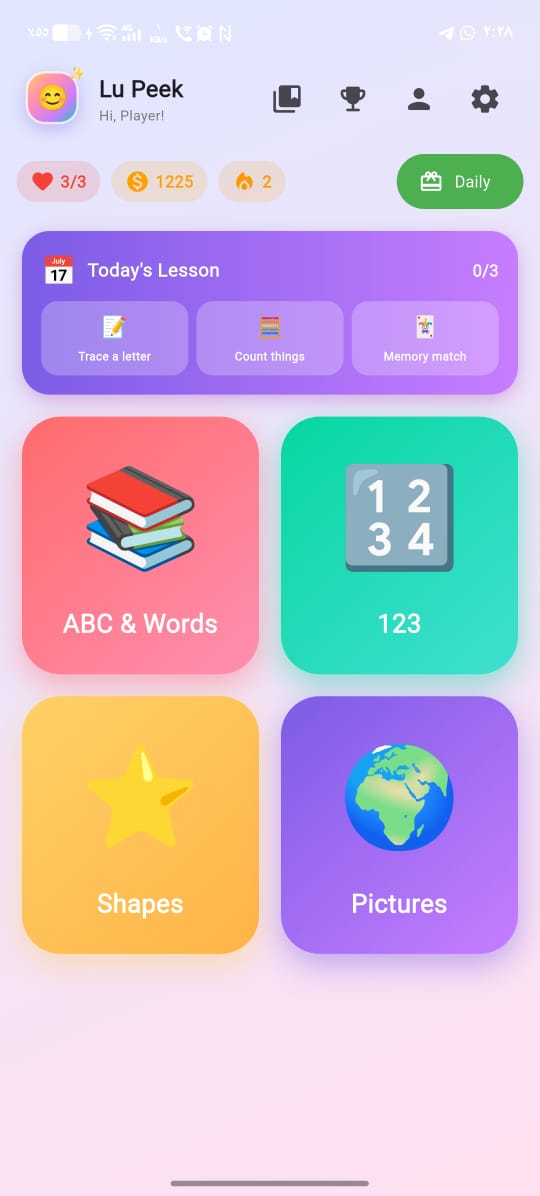
A cheerful kids’ learning game for Android — letters, numbers, shapes and shadow-matching. Live on Google Play.
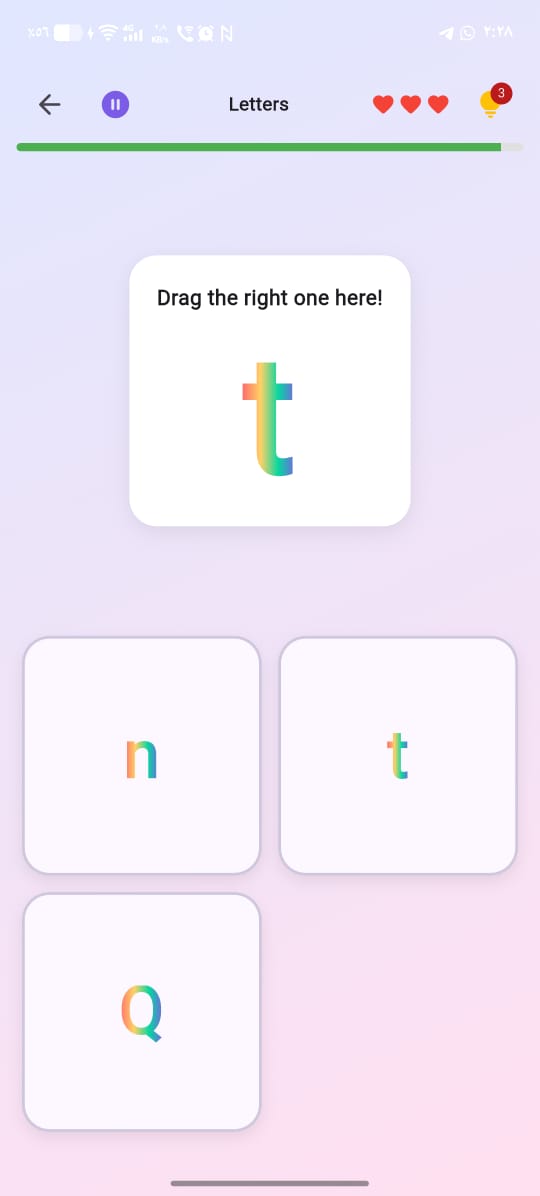
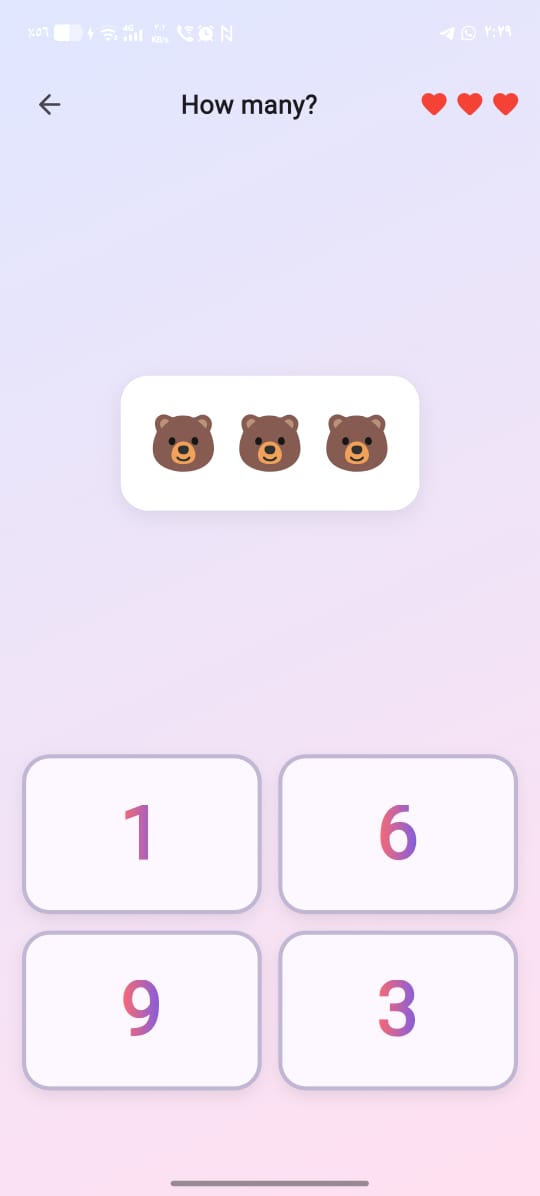
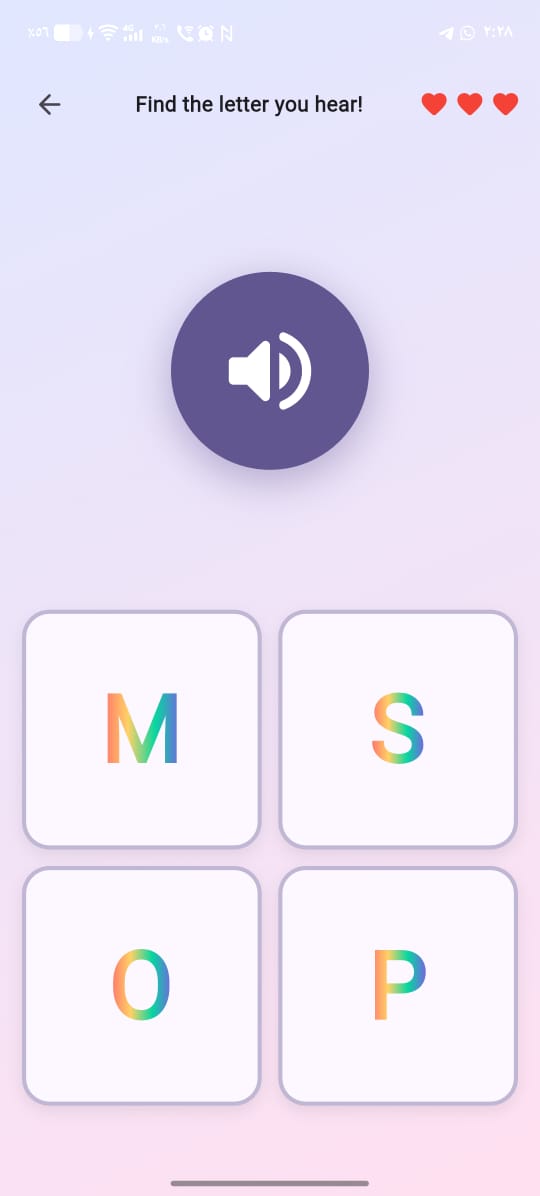
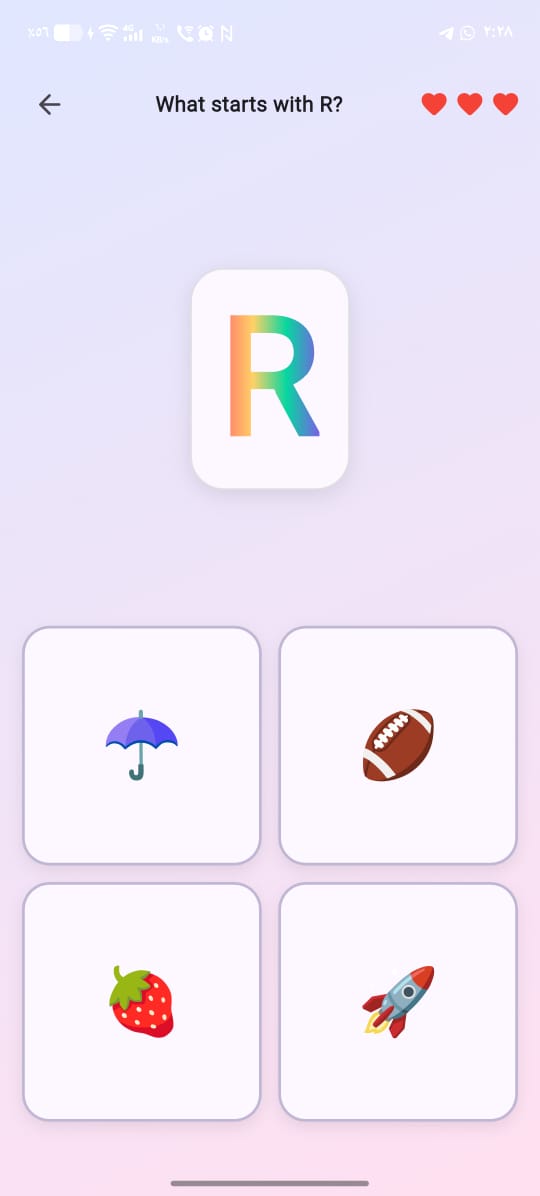
Lu Peek teaches letters, numbers and shapes through simple tap-and-match rounds: count the bears, drag the right letter, tap the shape that starts a word, or match a shadow to its colourful original. Multiple categories with daily rewards, achievements, and Arabic/English support out of the box.
Screenshots
| Home | Letters | Counting | Listen & find | Starts with |
|---|---|---|---|---|
 |
 |
 |
 |
 |
Tech stack
- Flutter 3.27+ (Material 3)
- AdMob for ads (banner, interstitial, rewarded)
- In-App Purchase for “Remove Ads”
- SharedPreferences for local persistence
- No backend - works fully offline
Running locally
flutter pub get
flutter run -d <your-device>
Debug builds use Google’s test AdMob IDs automatically, so you can verify the ad flow without burning real inventory.
Project layout
lib/
├── main.dart                # App entry + lifecycle observer
├── config/theme.dart        # Colours, gradients, card styles
├── models/                  # PeekItem, PeekCategory
├── data/items_data.dart     # All emoji items grouped by category
├── game/level_generator.dart # Deterministic level builder
├── services/                # Storage, ads, IAP, lives, achievements, etc.
├── screens/                 # Splash, home, category, game, profile, etc.
└── widgets/                 # ShadowEmoji, LuLogo, confetti, banner ad
Building a release APK / AAB
- Create a keystore (one-time, see
play-store/QUICK_START.md). - Drop
android/key.properties(gitignored). flutter build appbundle --release-> uploadapp-release.aabto Play Console.
See play-store/ for the full publishing checklist.
Replacing AdMob test IDs with real ones
- AdMob Console -> Apps -> Add App -> “Lu Peek” (Android, not on Play yet)
- Create 3 ad units: Banner, Interstitial, Rewarded
- Replace the three
_realXxxIdconstants inlib/services/ad_service.dart - Replace
APPLICATION_IDinandroid/app/src/main/AndroidManifest.xml - Rebuild release. Use the “Force test ads” debug toggle (Settings screen) to verify the flow before going live.